
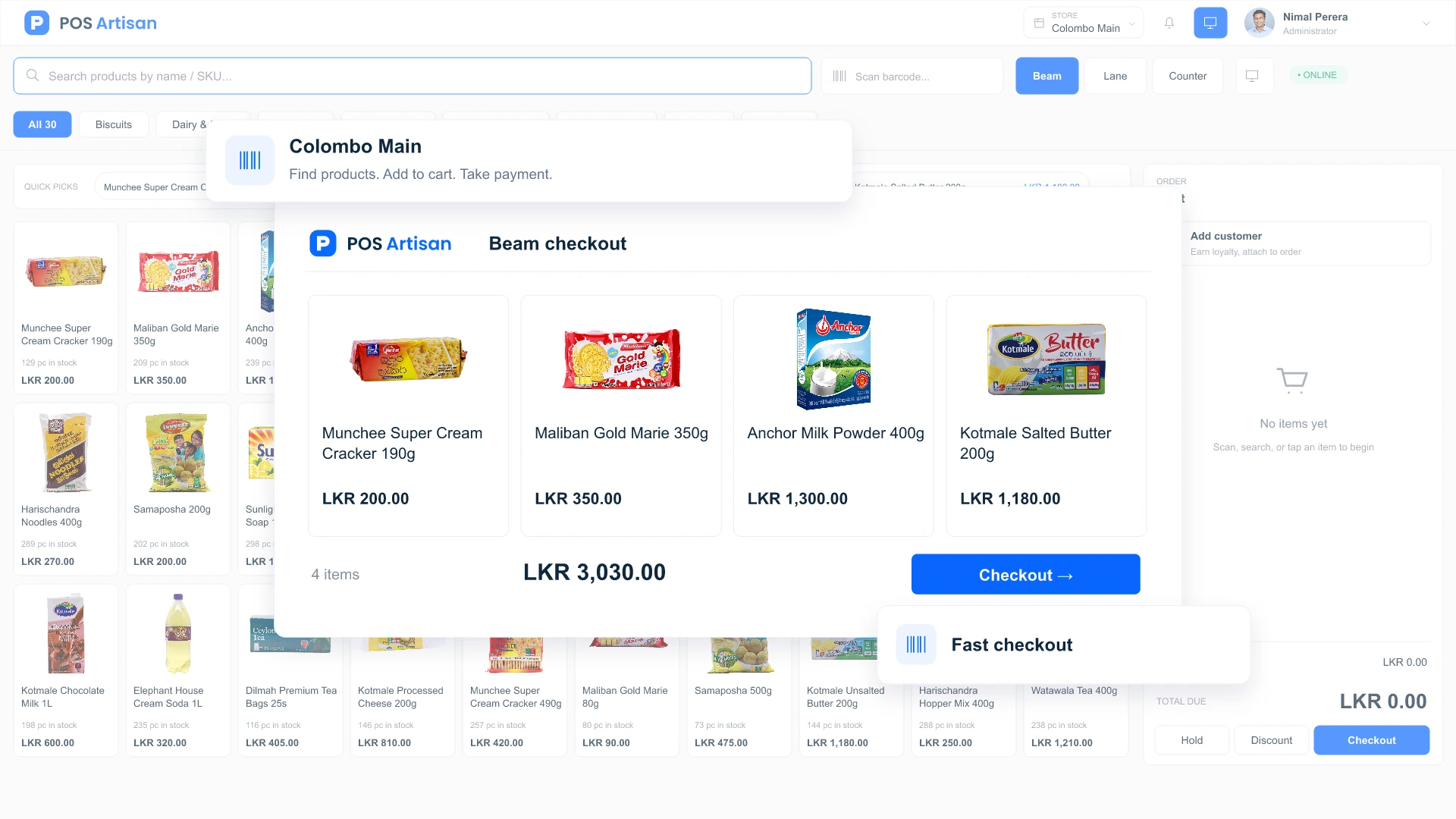
Keep the queue moving
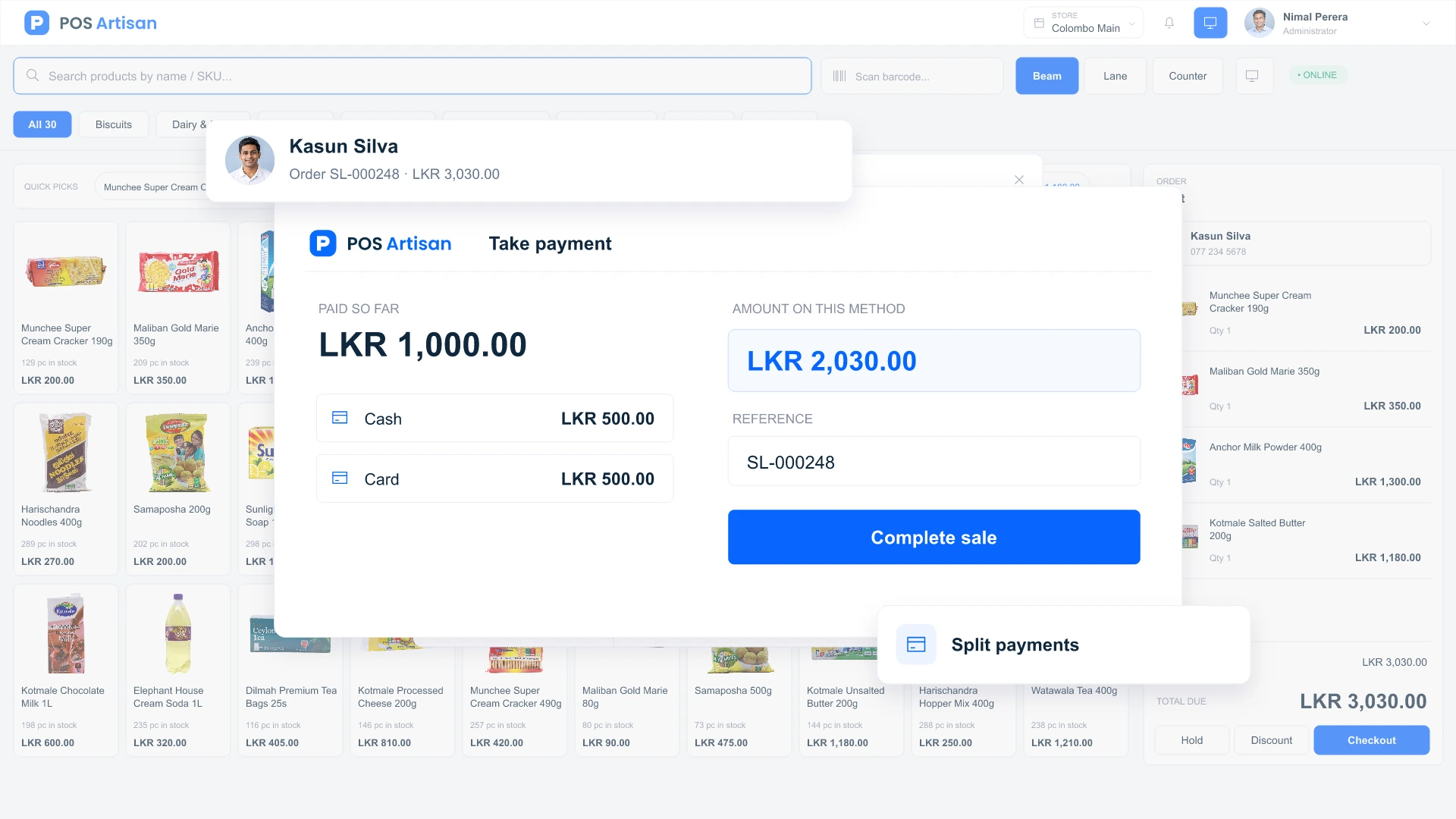
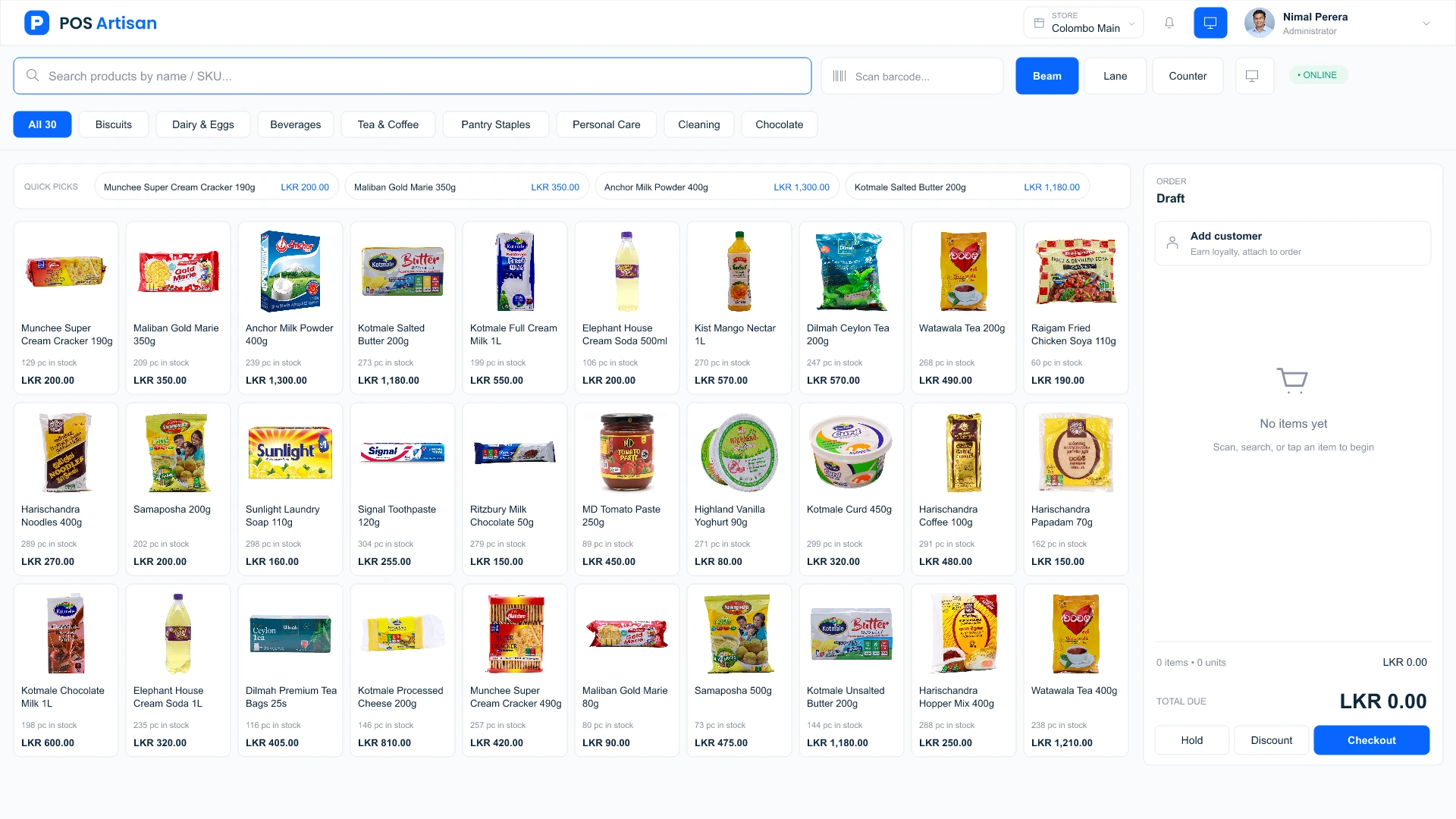
Scan, discount and take payment in one flow. Hold a sale when a customer needs a moment, then pick it up without making everyone else wait.
Bring checkout, inventory, purchasing and accounting together with POS Artisan. Serve customers faster, stay on top of stock and see how your business is doing across every store.
THERE’S MORE TO EXPLORE
Browse every feature by category, with a simple explanation of what each one does.
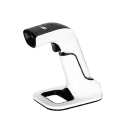
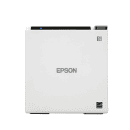
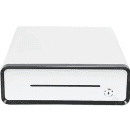
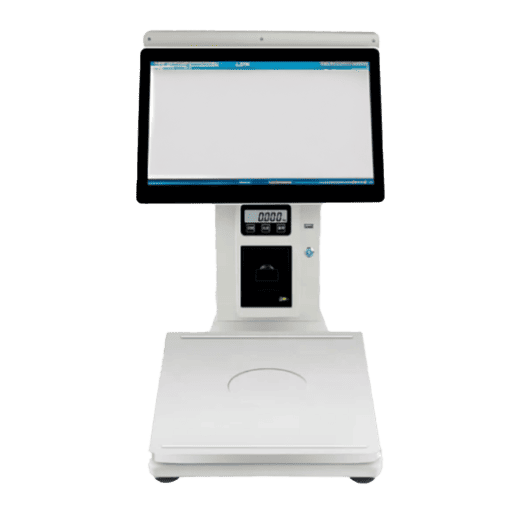
Use familiar scanners, receipt printers and cash drawers. Set up each terminal for the way your team works, with browser printing and camera scanning on supported devices. Add a customer-facing display or a self-ordering kiosk as your operation grows.
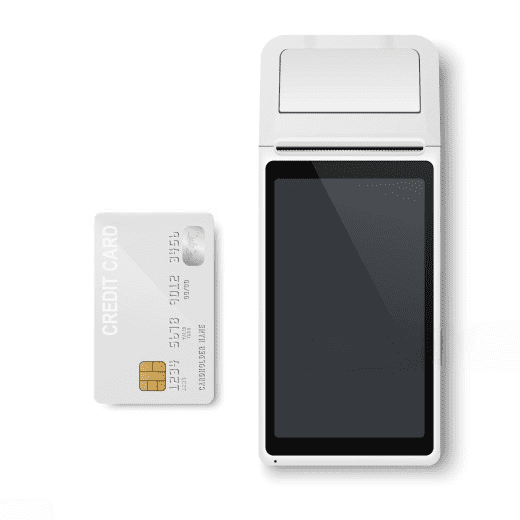
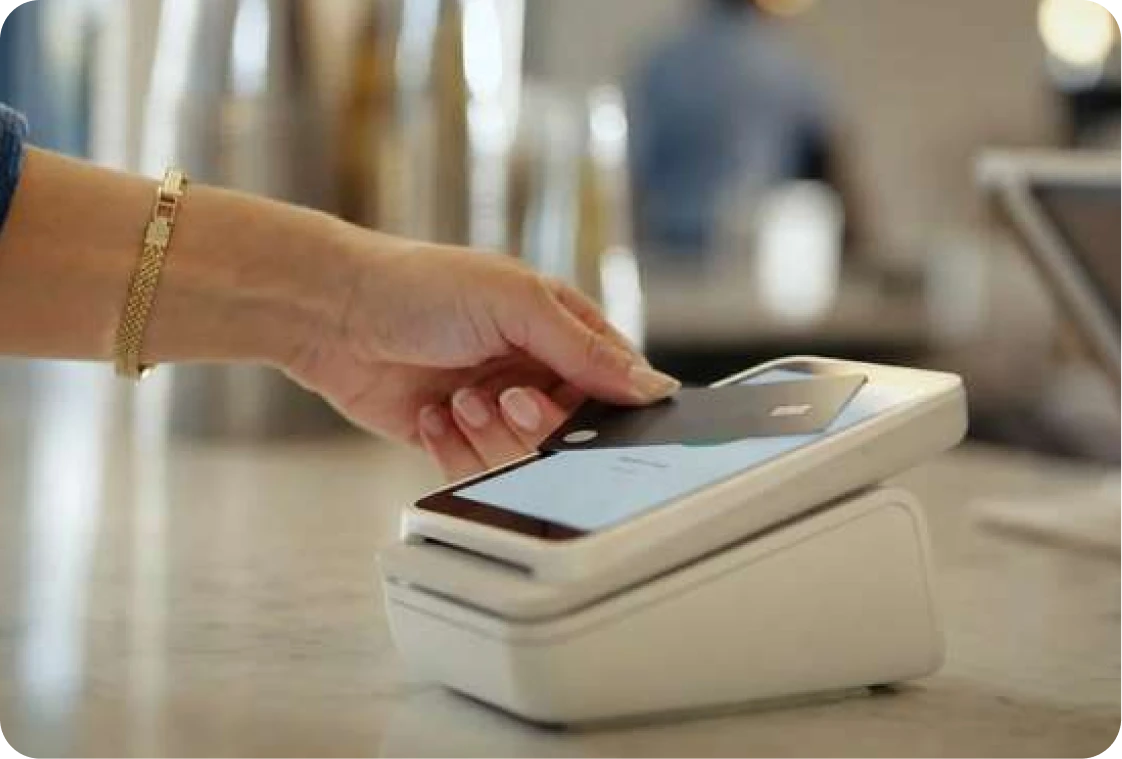
Send the amount from POS Artisan directly to a compatible card terminal. Your cashier skips the second entry, reducing typing mistakes and keeping checkout moving.
 Prefer scan-to-pay? Accept LankaQR payments too.




Card-terminal integration is available on request for compatible devices.
LankaQR acceptance is available on request.
Connect the tools your team already uses and keep every sale moving with automatic printing, simple testing and clear device status.
 Colombo Main
NP
Check your receipt printer, cash drawer and scanners, and run a test.
Status for terminal “Counter 01”
Browser print · 80 mm
Via receipt printer
USB scanners type like a keyboard — scan into any field.
Scan on your tablet without a USB scanner.
From the first sale to the end-of-day numbers, keep the work that matters in one place.
Scan, discount and take payment in one flow. Hold a sale when a customer needs a moment, then pick it up without making everyone else wait.
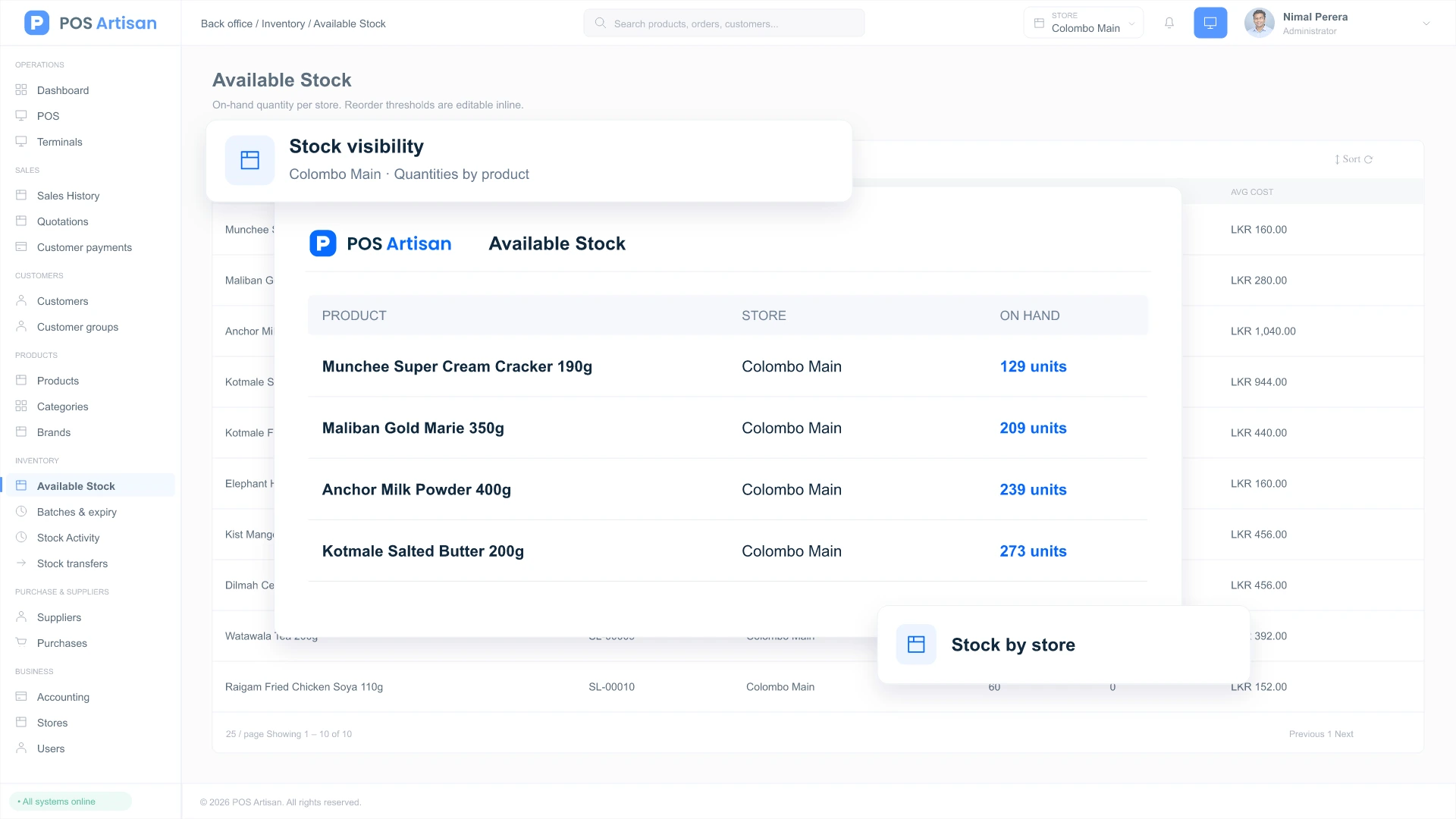
Follow stock from supplier delivery to the final sale. Low-stock alerts, branch transfers and physical counts help you spot gaps before they become missed sales.
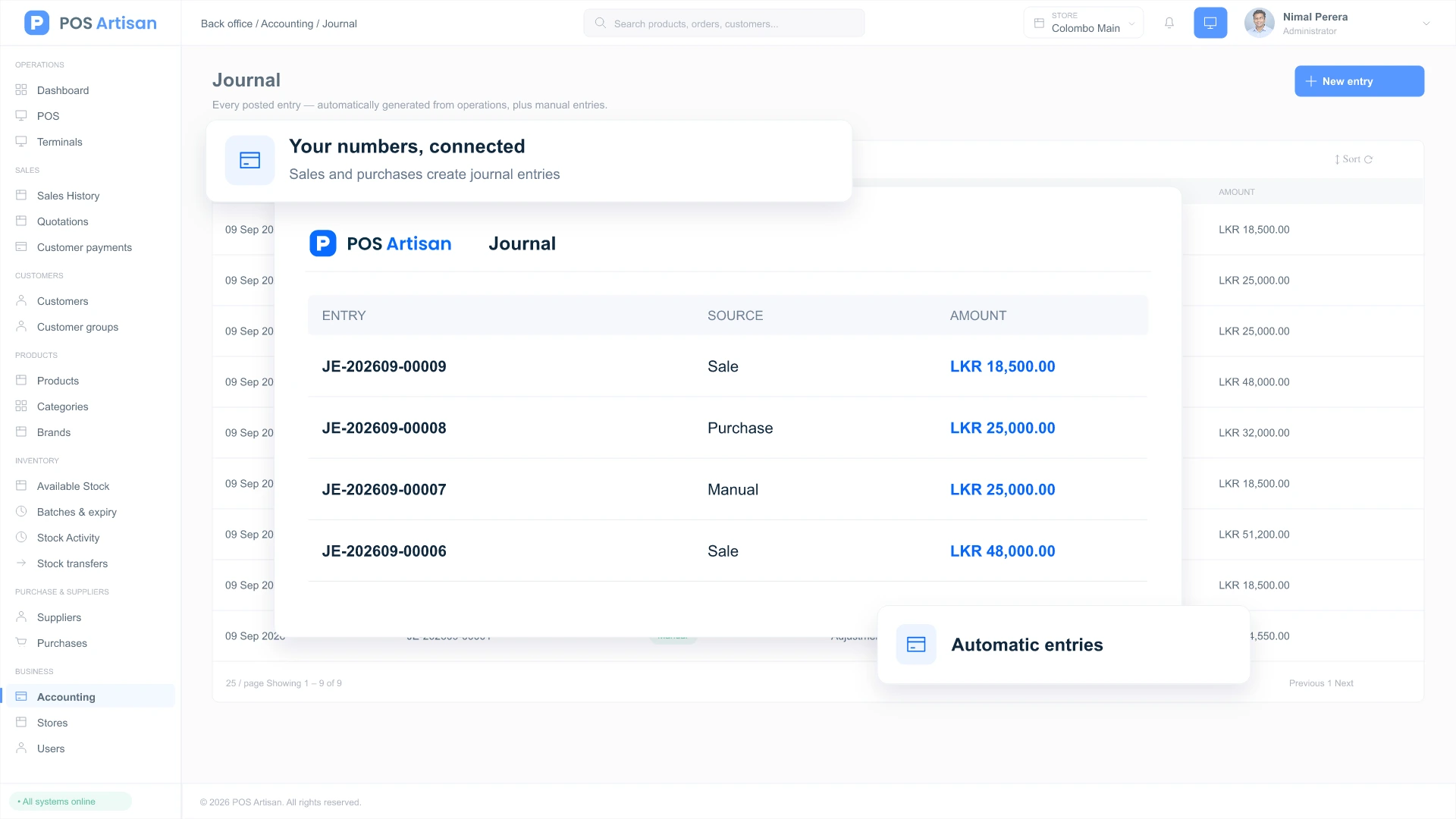
Bring sales, costs, expenses and customer balances into view. Automatic accounting entries and financial reports help you understand the numbers behind a busy day.
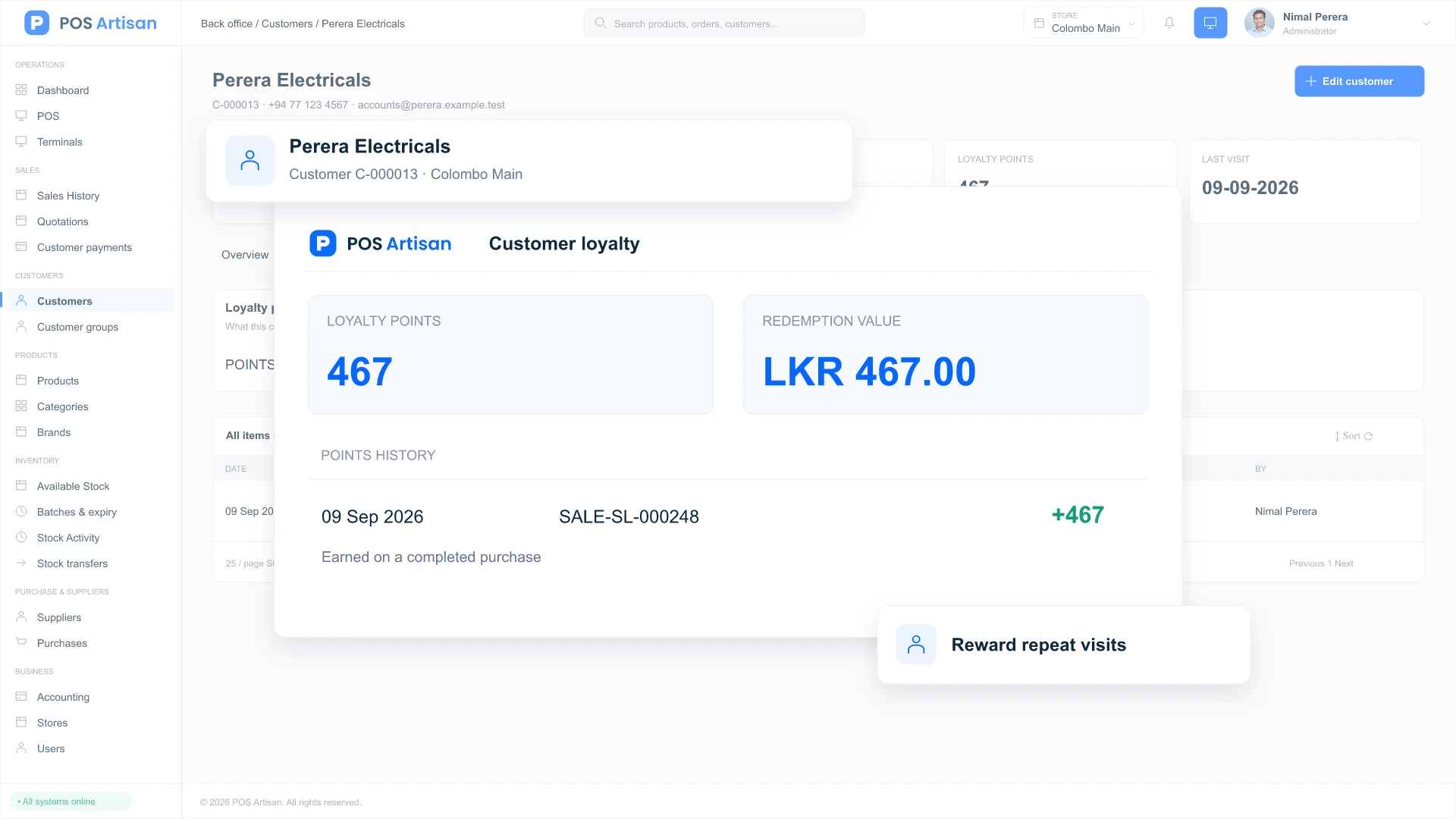
Reward regular customers with loyalty points. Keep purchase history, credit limits and reusable store credit together so your team can serve familiar faces with confidence.
Give your team the tools to handle the rush, the unusual payment and the customer who comes back.
Add items by barcode, camera or product search. Apply item or order discounts, calculate tax and print a receipt. Hold and resume carts without starting the sale again.
After the POS has loaded online, your local catalog keeps checkout working through a dropped connection. Cash sales queue on the device and sync when you reconnect. Online payments and store-credit checks still need internet.
Split a bill across cash, recorded card payments and store credit. Offer LankaQR payments, or let approved customers pay later within their credit limit.
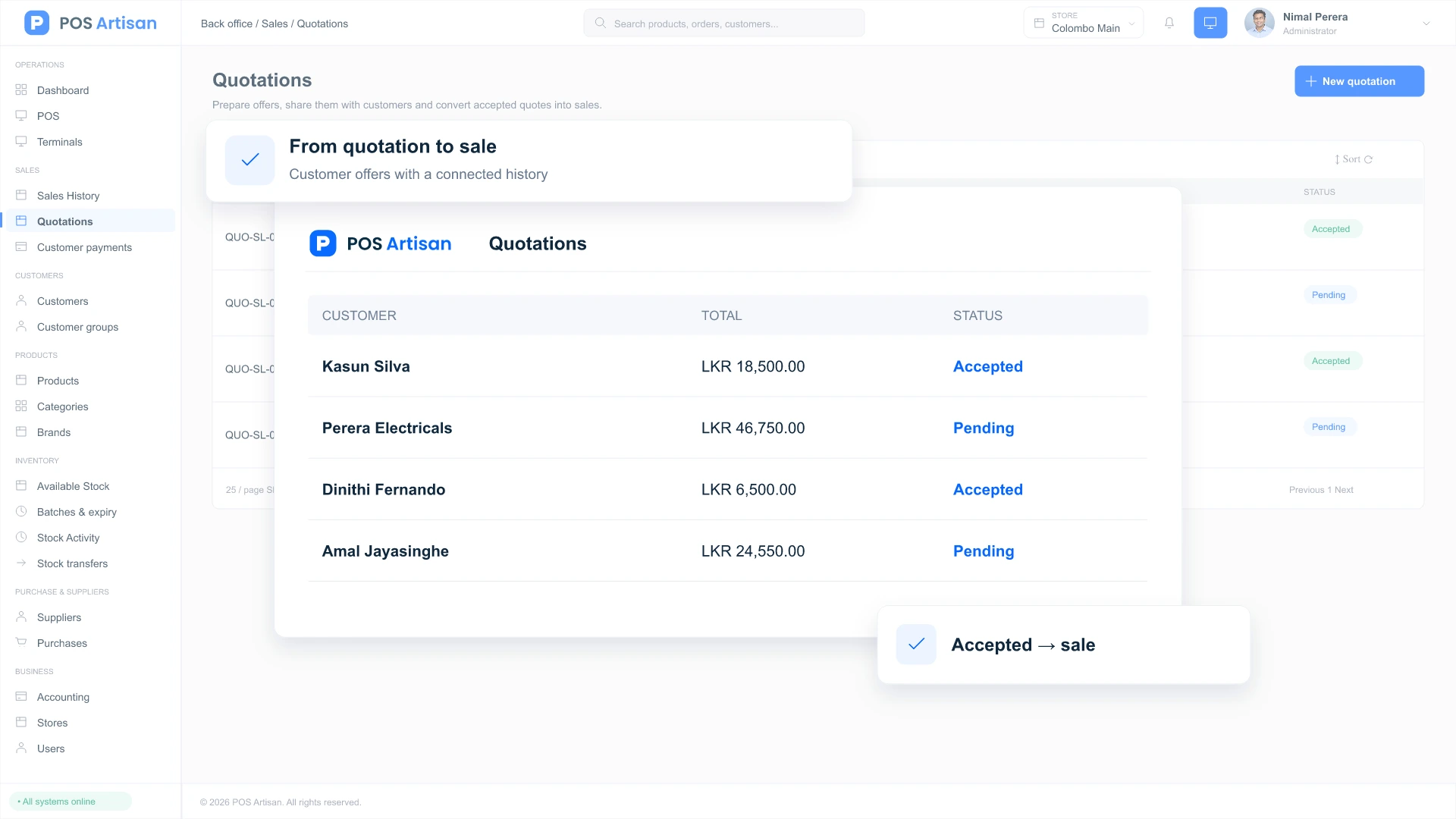
Send a priced quotation through a secure link, see the customer’s response and convert an accepted offer into a sale. Keep revisions, totals and the final transaction connected.
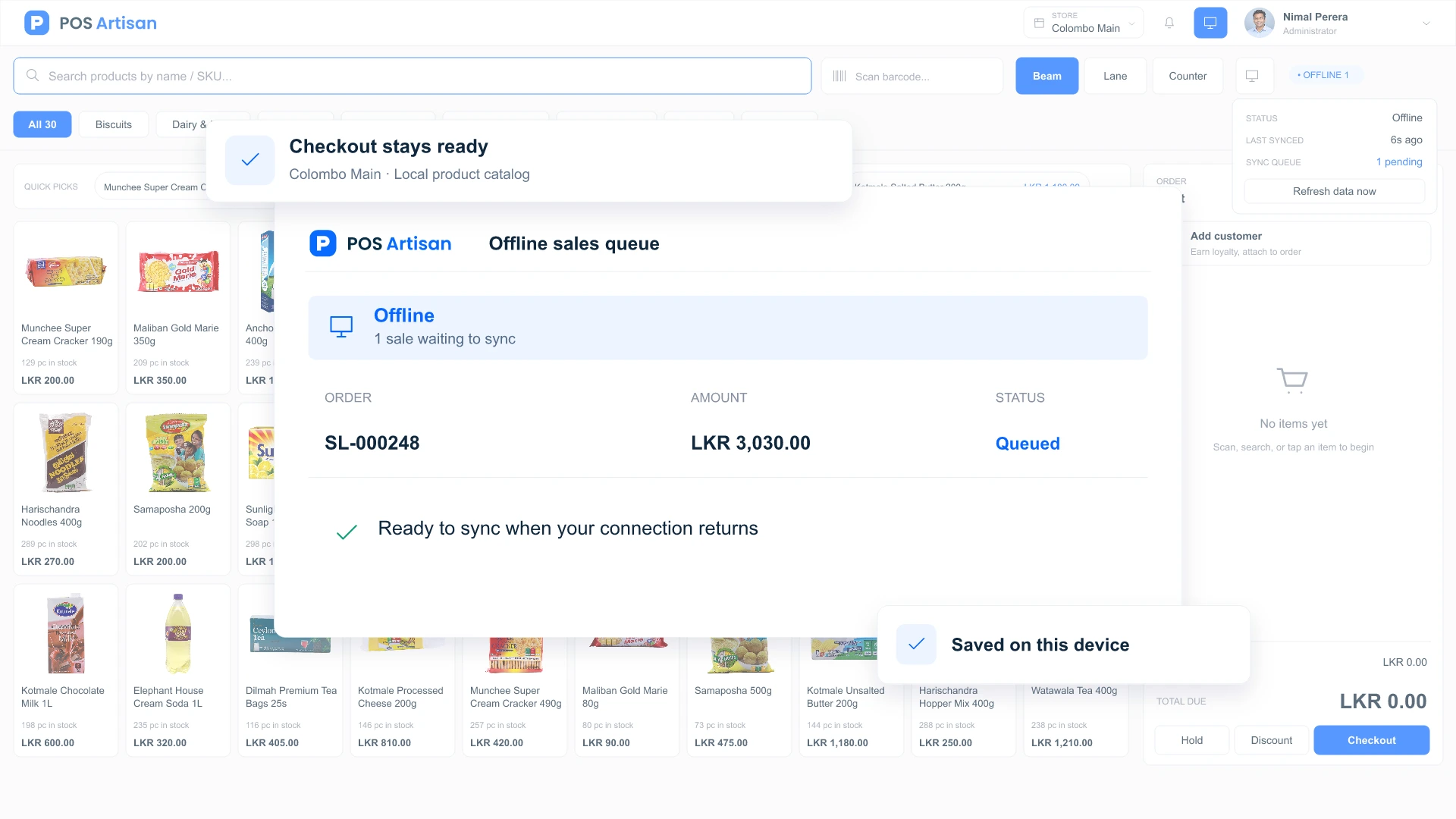
Replace stock guesswork with a clear view of what you have, where it is and what needs attention.
Review availability by store and act on reorder alerts. Transfer goods between branches, reconcile physical counts and trace quantity changes back to sales, deliveries, returns or adjustments.
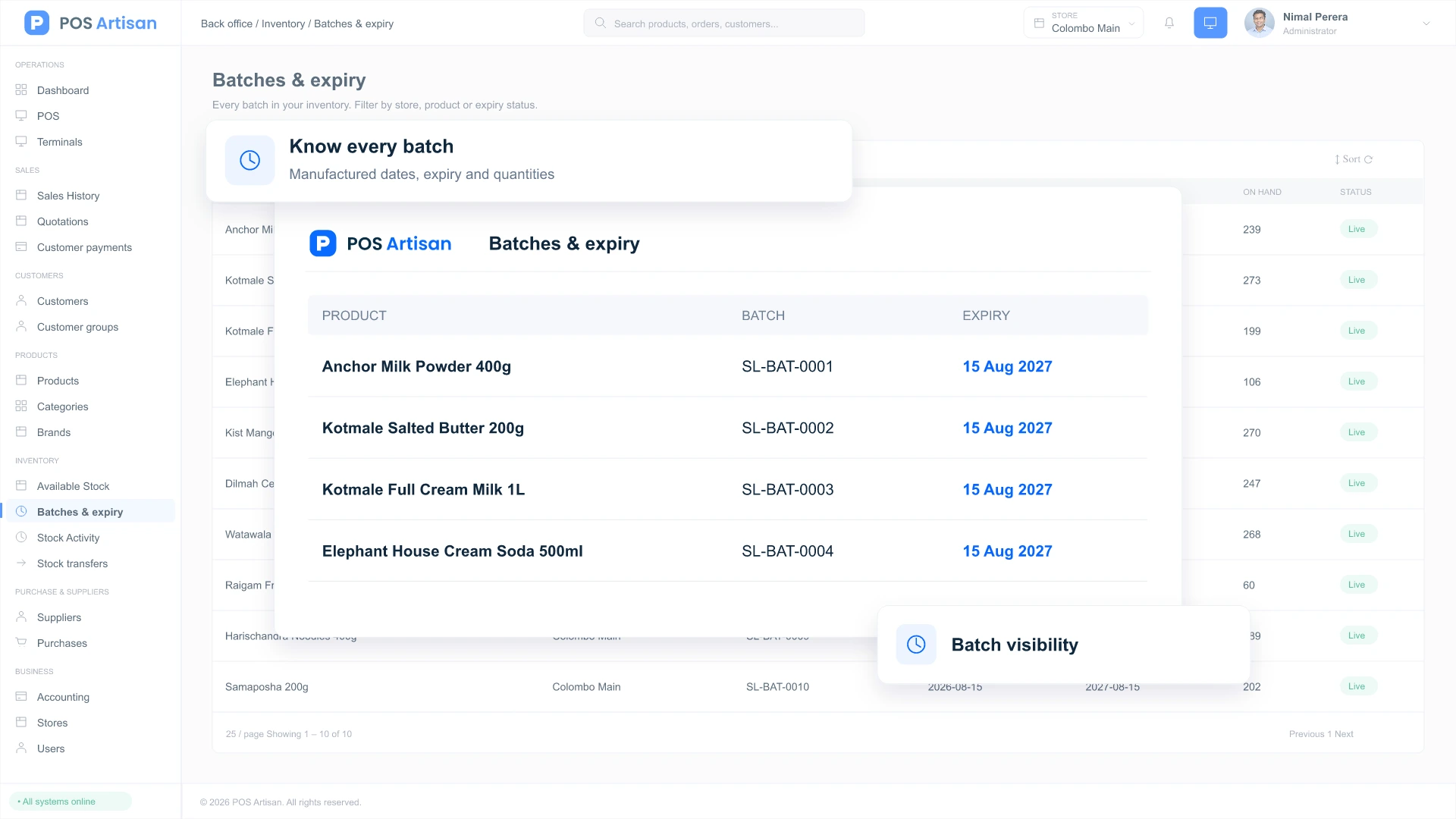
See which lots are nearing expiry and use automatic first-expiry-first-out selection. Enable expired-stock restrictions and set a separate cost, selling price and MRP for each batch when needed.
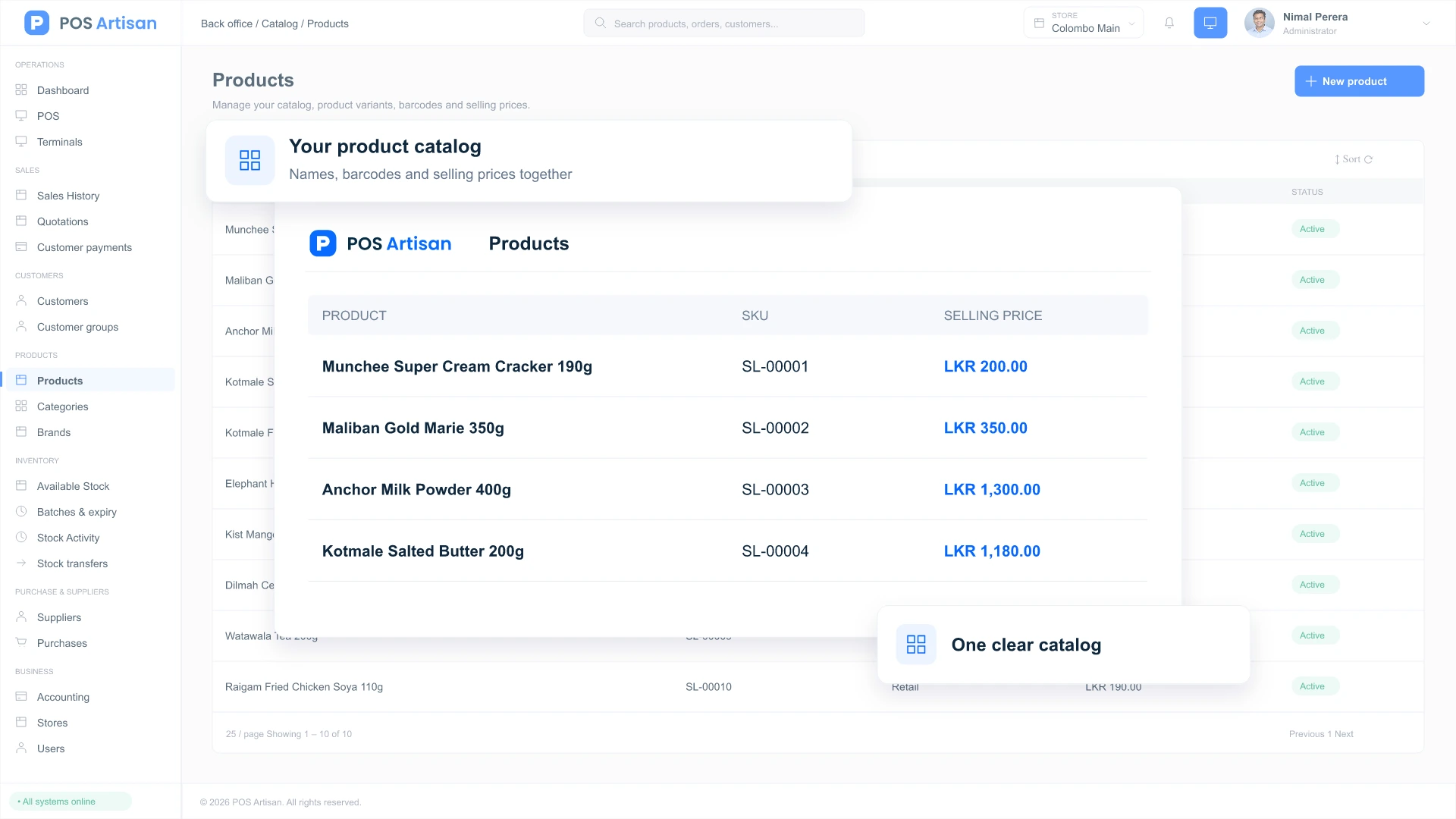
Manage sizes and colours, sell loose goods by weight and scan configured scale labels. Build kits from existing products, organise shelf locations and import your catalog from a spreadsheet.
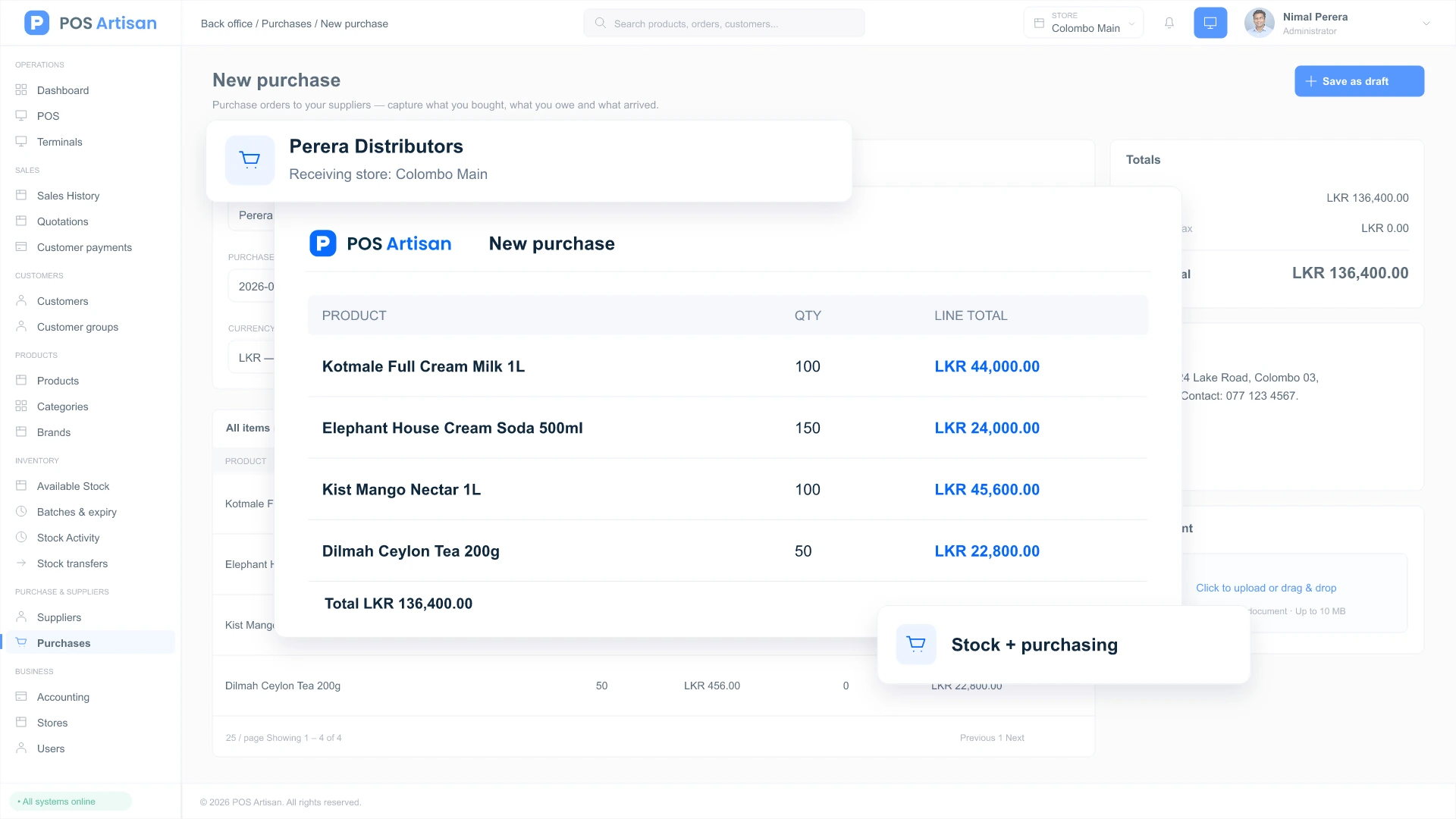
Build supplier orders, receive deliveries and update stock and costs together. Track supplier balances, record payments and handle purchase returns with a clear transaction history.
Keep daily operations, online orders and financial reporting connected as your business grows.
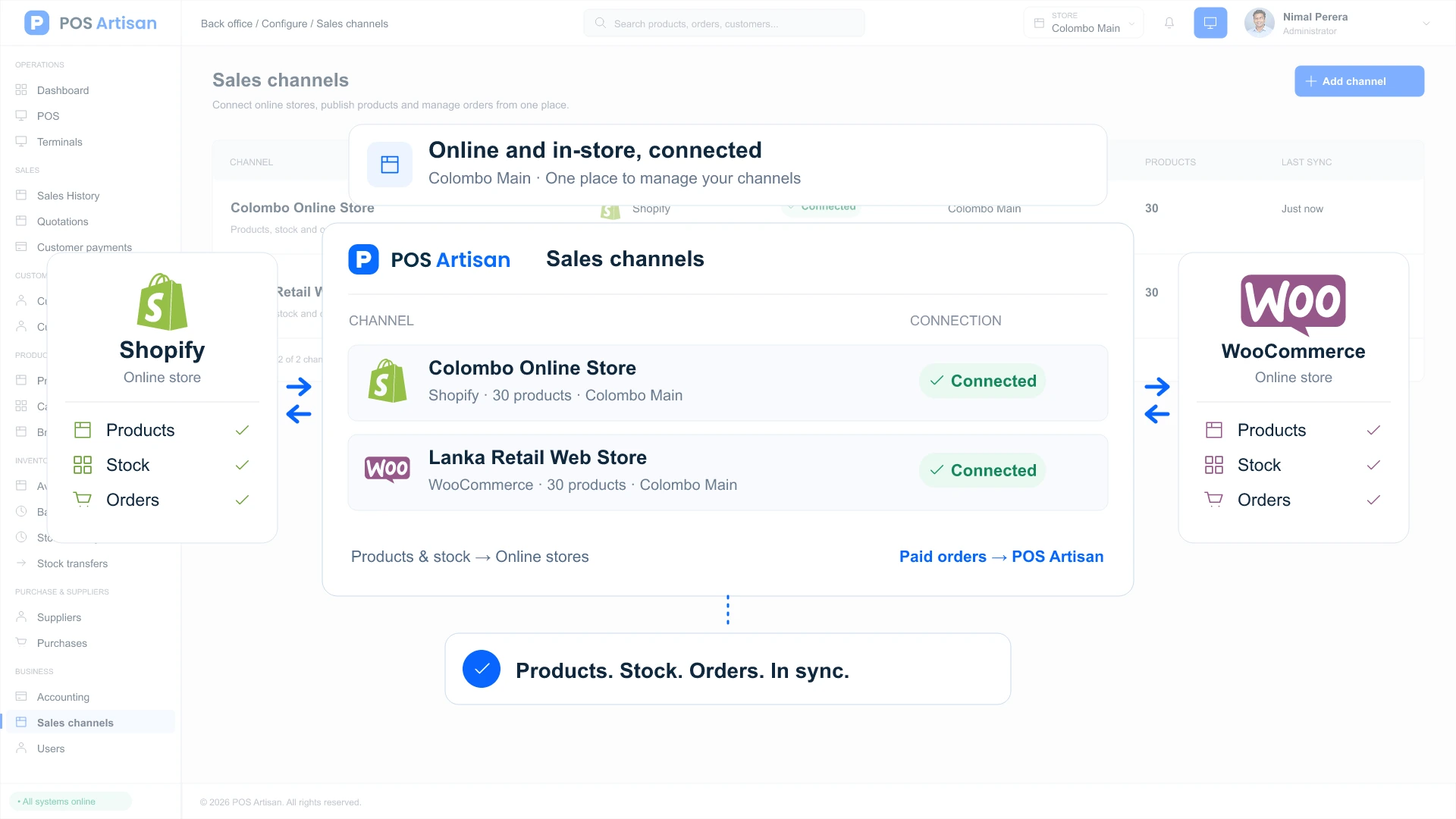
Publish products and available stock from POS to connected online stores. Bring paid orders back for reservation, branch allocation and fulfilment, with updates sent to the sales channel.
Sales, purchases, payments and expenses create accounting entries automatically. Review profit and loss, balance sheet and cash flow reports, then lock reviewed periods to protect your financial history.
Set how customers earn and redeem points. Share receipts, quotations and statements through WhatsApp Click-to-Chat, or configure Meta Cloud API for automated delivery and status tracking.
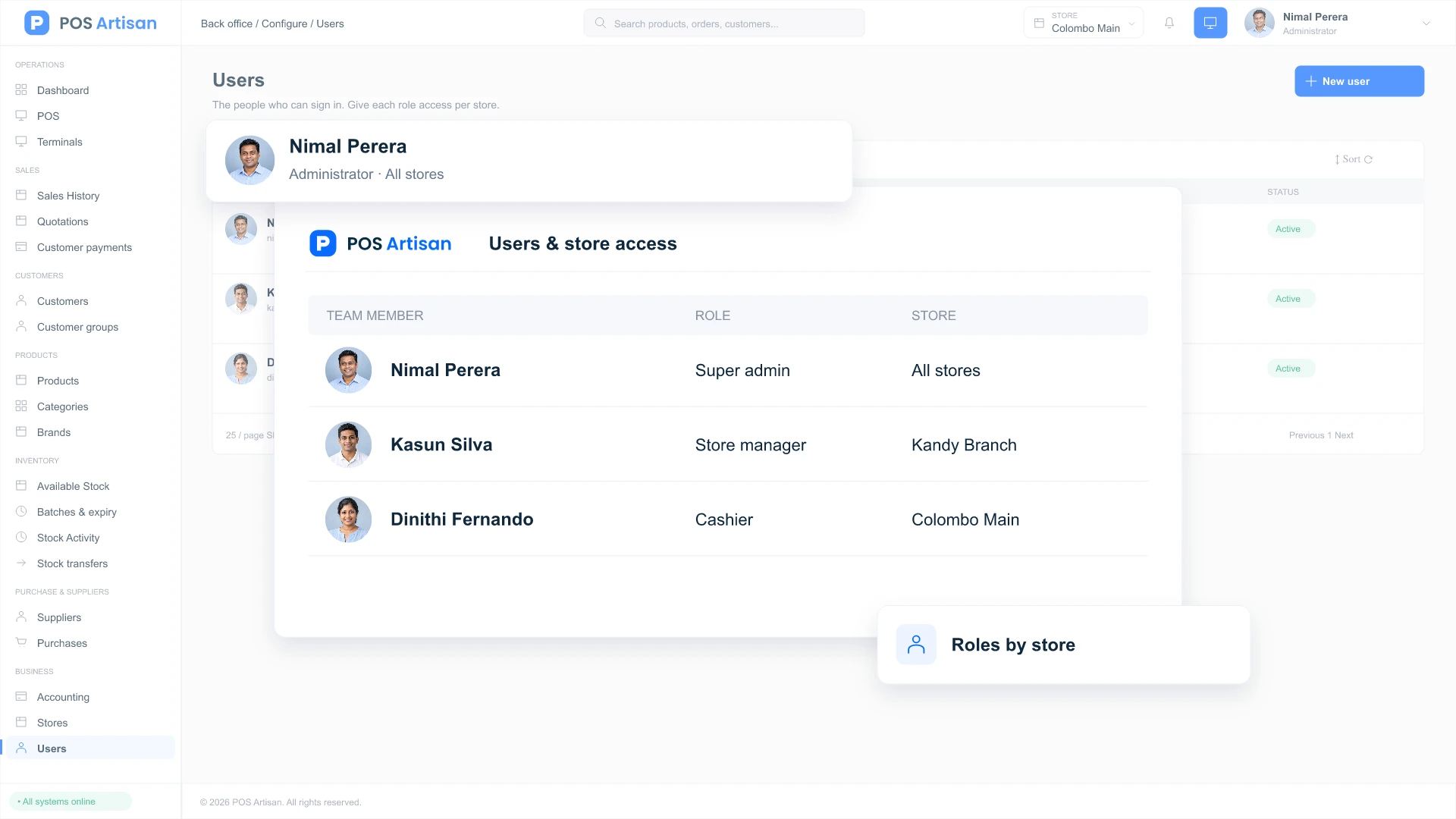
Assign staff roles and store access, reconcile cash drawers with shift reports and control who can discount or refund. Schedule reports by email and use downloadable backups to support your recovery plan.
One platform, with the details that make a difference to your kind of business.






 Coming soon
 Coming soon
Get clear answers before you choose the system that runs your business.
Checkout, products, inventory, purchasing, supplier payments, customers, loyalty, accounting and reports work together. You can run several stores and terminals within one business, with stock, sales and shifts tracked by location.
Load the POS online first so the device has a local catalog. You can then continue cash sales and print receipts while offline; queued sales sync after reconnection. Online card or QR payments and store-credit balance checks require internet. Keep browser data intact until pending sales have synced.
Common barcode scanners, ESC/POS receipt printers and compatible cash drawers are supported. Direct thermal printing depends on the browser and device; Chrome or Edge on a suitable terminal offers more hardware access, while Safari and Firefox use browser printing. Weighing-scale labels work after their barcode format is configured. Check your specific setup during the demo.
Yes. Connect Shopify and WooCommerce stores, including multiple connections. POS sends the product catalog and available stock to the channel; paid online orders return for allocation and fulfilment. This requires your own store accounts and integration setup. Product and stock edits made on the channel are not imported back into POS.
Products and customers can be imported from CSV or Excel. Product imports use SKU matching and a preview to help you update existing records without creating duplicates. Stock adjustments and stock-take counts can also be imported. Check a small sample before moving your full catalog.
Cash and manually recorded card payments can be used without an online gateway. LankaQR is available for QR payments. On request, a compatible card-machine integration sends the bill total directly to the terminal. WhatsApp Click-to-Chat prepares documents for staff to send; automated delivery requires a configured Meta Cloud API connection and approved templates where applicable. Provider charges and terms apply separately.
Discover how POS Artisan can bring your checkout, stock and business numbers together. Start with a demo built around what matters to your store.

Virtual assistant · Ready to help